


Singapore eSIM - Standard | Unlimited Data / 1~30 Days
Singapore eSIM - Standard | Unlimited Data / 1~30 Days
📝 Product Description
📝 Product Description
🇸🇬 Best eSIM for Singapore
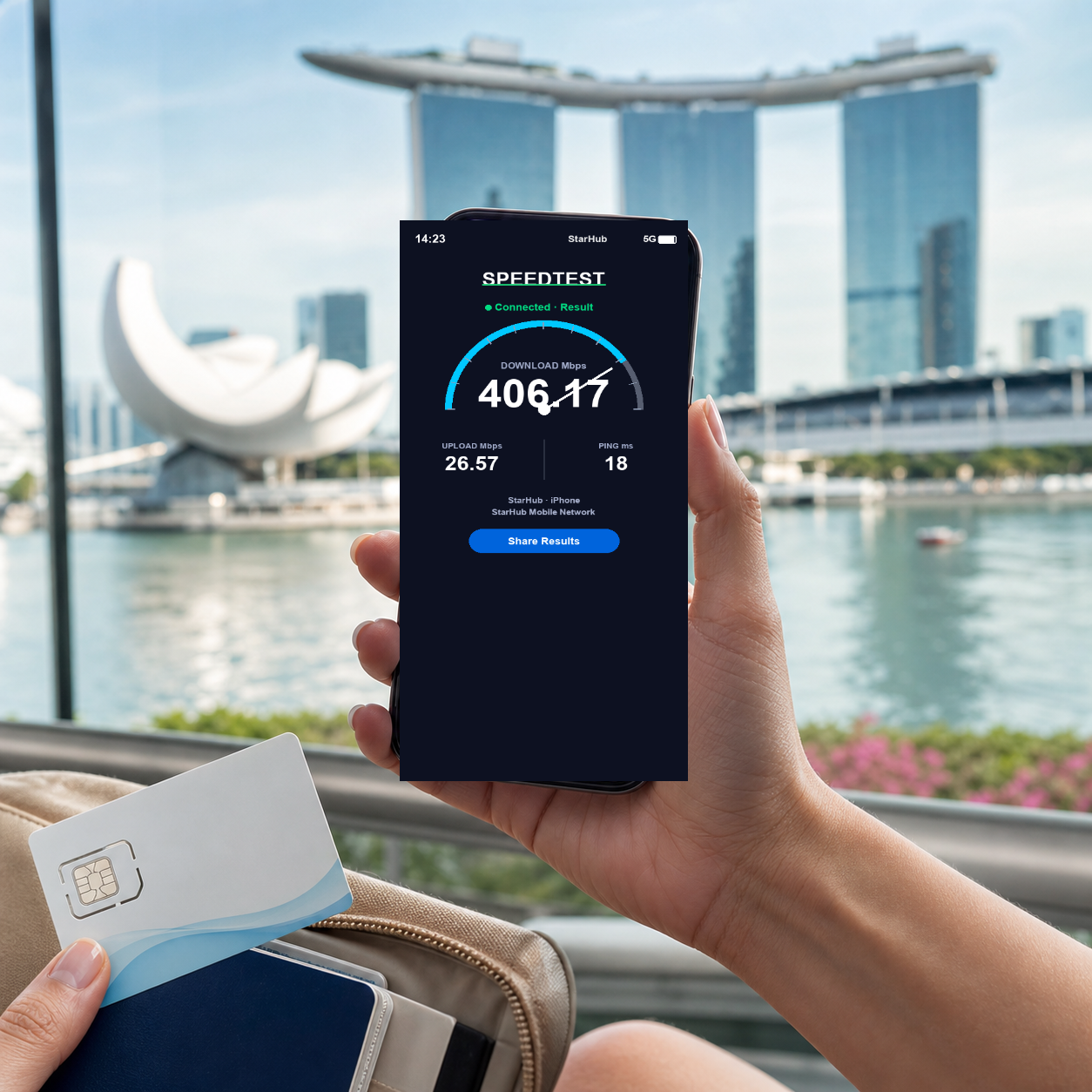
True unlimited data on premium network. No speed throttling, no hidden fees. Get your QR code instantly and connect in under 2 minutes.
- ✓ Unlimited data – no throttling
- ✓ Premium network coverage
- ✓ Instant QR code delivery
- ✓ 24/7 WhatsApp support
📱 How It Works
- Purchase – Get your QR code instantly via email
- Scan – Use your phone camera to install the eSIM
- Connect – Turn on data roaming when you arrive
⚠️ Before You Buy
- Ensure your device is eSIM-compatible and unlocked
- The eSIM can only be installed once – don't delete after activation
- Data-only plan (no local phone number included)
❓ Frequently Asked Questions
Q: Can I install the eSIM before I leave?
A: Yes, you can scan and install the QR code before your trip. Just don't enable data roaming until you arrive – this prevents your plan from starting early.
Q: Will this affect my original SIM card?
A: No, not at all. You can easily switch between plans in your settings, and your original number will still be able to receive calls and texts.
Q: What if I'm unable to scan the QR code?
A: Try removing any old eSIM plans first, or reset your network settings and try again. If it still doesn't work, contact us on WhatsApp.
Q: What should I do if I can't connect after arriving?
A: First, make sure "Data Roaming" is turned ON in your settings. Allow 3-5 minutes for the connection to establish. If it's still not working, connect to Wi-Fi and contact us on WhatsApp for help.
Q: What happens when my data runs out?
A: This plan has no daily high-speed cap – you stay on high-speed data for the whole plan period.
📋 Specifications
📋 Specifications
- Network Speed: 4G/LTE/5G Auto-switching (carrier dependent)
- Hotspot Sharing: Supports single device (not guaranteed for all models)
- Activation Method: Scan QR Code to activate
- Compatible Devices: iPhone XR and above, eSIM-enabled Android phones
- Validity Period: Install and start using your eSIM within 30 days of purchase
- Usage Calculation: Days are counted from plan activation – for some plans this happens as soon as the eSIM is installed (see your order email)
⚡ Quick Setup Guide
⚡ Quick Setup Guide
iPhone Setup Steps:
- Go to "Settings" → "Cellular" → "Add eSIM"
- Scan the received QR Code
- Name your plan (e.g., Voya)
- Select this plan for cellular data
- Turn on "Data Roaming" after arriving at your destination
Reminder: Some plans start counting days as soon as the eSIM is installed. Check the activation instructions in your order email before installing it early.
❓ Frequently Asked Questions
❓ Frequently Asked Questions
A: Yes, you can scan and install the QR Code before your trip, but do NOT enable data roaming until you arrive.
A: No, you can switch between plans in settings. Your original number can still receive SMS.
A: Please remove old eSIM plans or reset network settings, then try again.
A: Make sure "Data Roaming" is ON. Wait 3-5 minutes for connection. If still not working, contact customer service via Wi-Fi at WhatsApp.
A: It depends on the plan. Daily plans slow down after the daily high-speed allowance and reset at midnight; fixed total-data plans either slow down or stop once the data is used up. Please check the product description for your plan.
⚠️ Important Information
⚠️ Important Information
- Unused eSIMs (QR code not yet installed or activated) can be refunded within 30 days of purchase, minus a 10% processing fee. See our Refund Policy. Once installed or activated, the eSIM can't be refunded, so please confirm device compatibility first
- iPhone XR or above required. Mainland China/Hong Kong/Macau versions may not support eSIM
- QR Code can only be bound to one device and cannot be transferred
- Wi-Fi is recommended at accommodations for better experience
- Signal may be weak in remote areas, islands, or mountains
- Contact customer service immediately if issues occur. Claims after trip completion not accepted
💬 Need Help?
WhatsApp Support (24/7)
Email: voya.esim@gmail.com
Share



Message us on WhatsApp